Retrieving a Domain ID
Last updated: March 20, 2026
A domain-id is a unique string that identifies your domain in the Noibu console. In order to configure a webhook for release tracking, you must define the domain-id in a post-deploy HTTP request. This provides the webhook with a map to your Noibu instance and enables the Noibu console to display release events in the Events page.
To retrieve your domain-id, follow the steps below:
Log into the Noibu console. Ensure the correct company and domain are selected.
Open the Dashboard if it’s not open already.
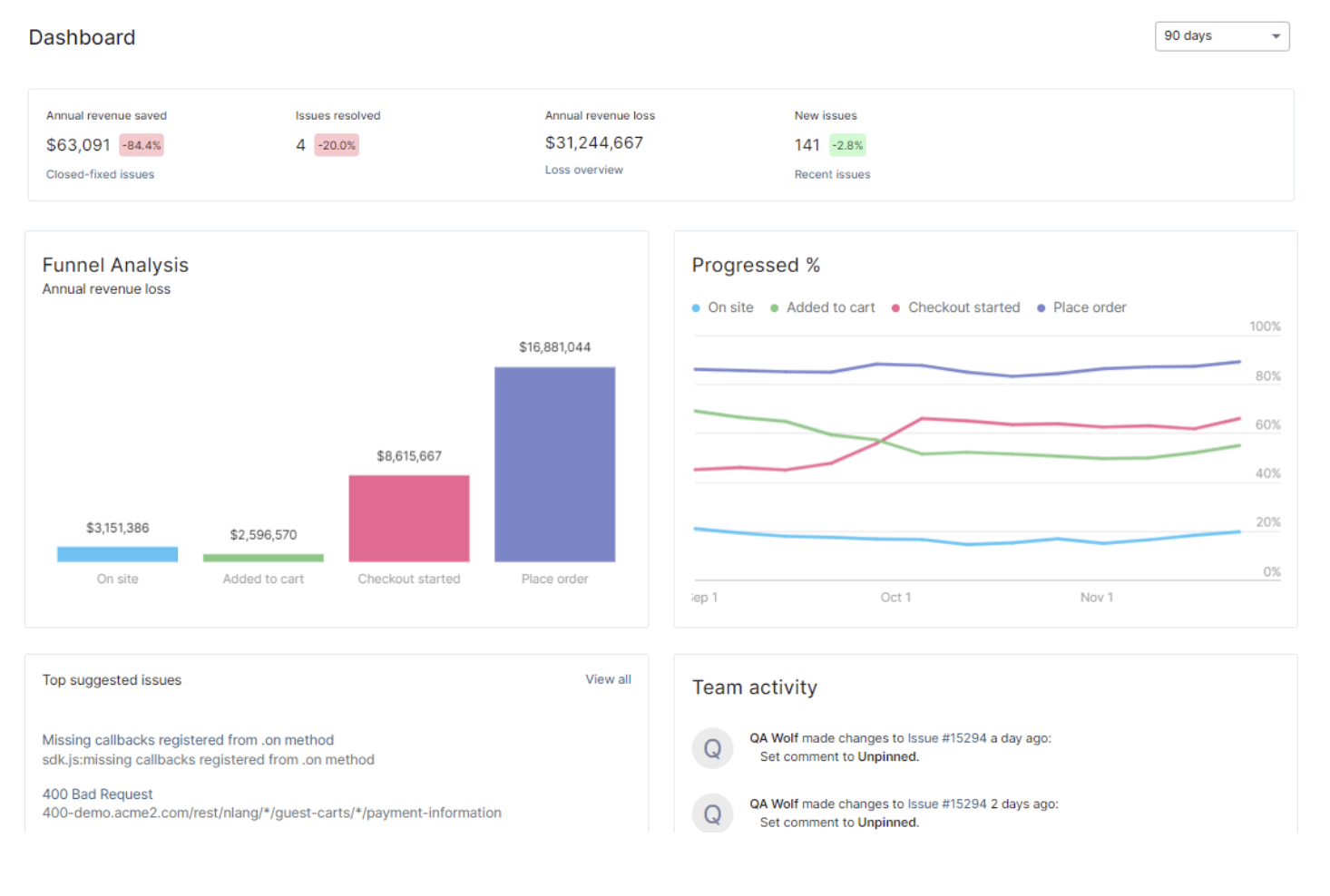
Consult the URL. Your domain’s unique ID appears in the URL path between
noibu.comanddashboard.
Copy the
domain-idstring and paste it into the appropriate spot in the webhook’s HTTP request.Do not include the slashes when copying the string.
Learn more about creating a Jenkins Webhook, GitLab Webhook, or a Generic Webhook.