How to Change Your Default Timezone
Last updated: March 31, 2026
Part of setting up your Noibu account includes selecting your local timezone.
Note: When examining user sessions, Noibu allows you to explore any timezone. There is no need to change your default timezone to examine sessions in another timezone.
Open the dropdown menu next to your name in the bottom-right corner.
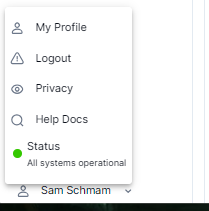
Select My Profile.
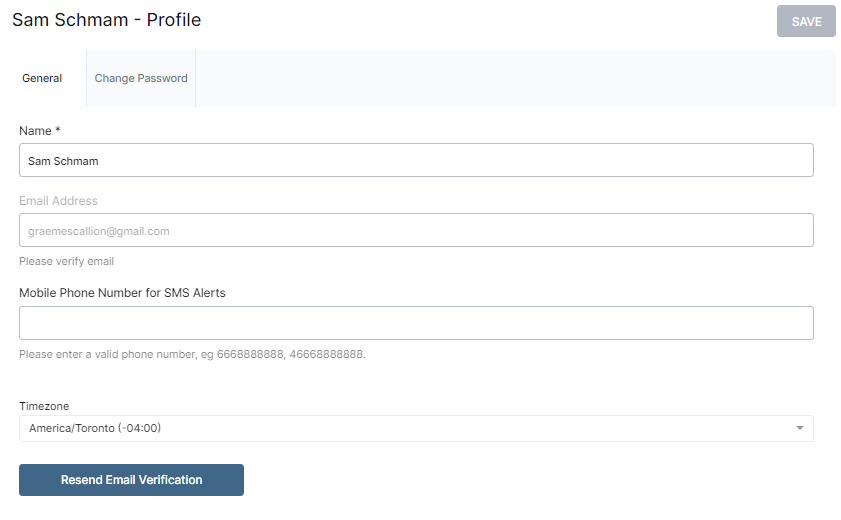
Open the Timezone dropdown, and select your local timezone.
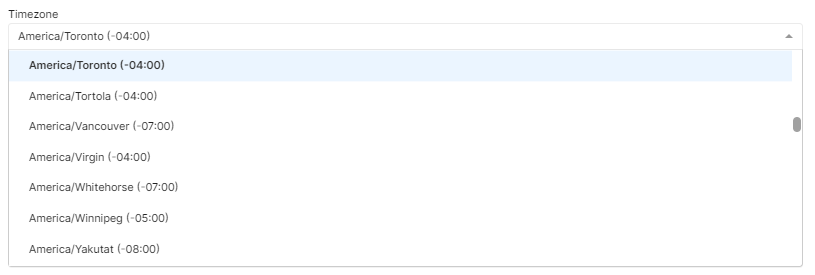
Click Save.