How to Log in Via OAuth2
Last updated: June 11, 2026
Some companies require users to authenticate via OAuth2 single sign-on (SSO) rather than entering a username or password. SSO ensures secure authentication while streamlining the login process for valid users.
Navigate to https://console.noibu.com/auth/login
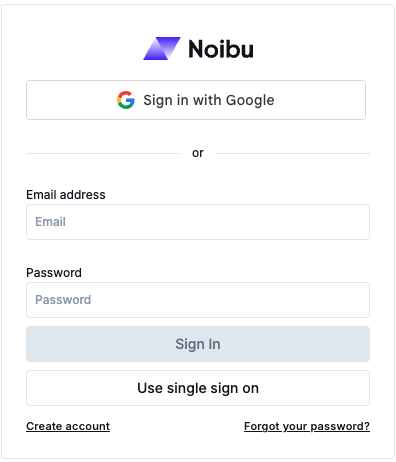
Click Use Single Sign-On.
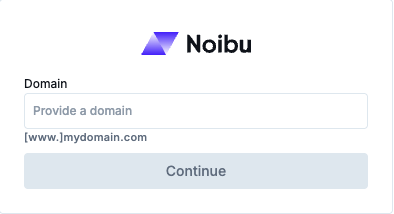
Enter a valid domain associated to your company's Noibu account in the field provided. The login is associated to a domain, rather than a user, because a user may have access to multiple domains across multiple companies.
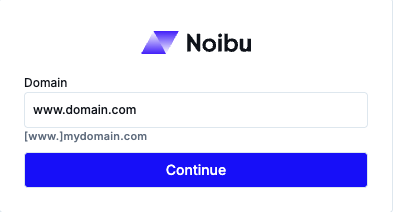
Click Continue to log in.
Learn more about the Company module.