Creating Your Noibu Account
Last updated: April 20, 2026
To access your company's Noibu dashboard, an administrator must Add You as a teammate. If you are first signing up for Noibu, you will receive this invite from the Noibu team.
Once that process is complete, you'll receive an email to create your account.
Search your inbox for an invitation to join your company's Noibu dashboard. Be sure to check your Promotions and Spam folders.
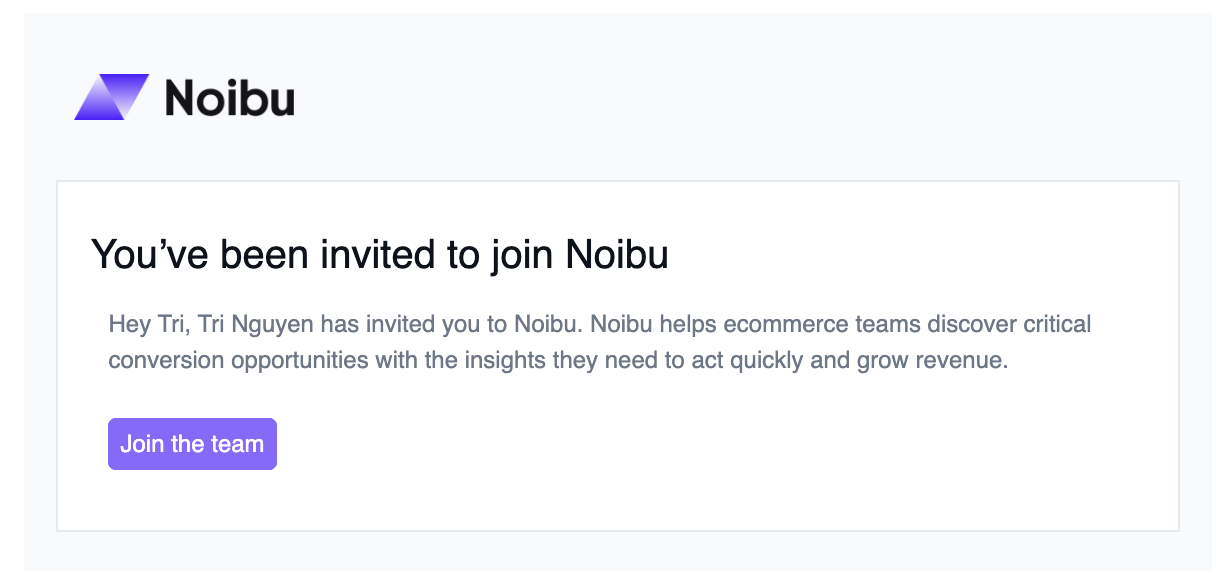
Click the link to 'Join the team'. This opens an account creation screen.
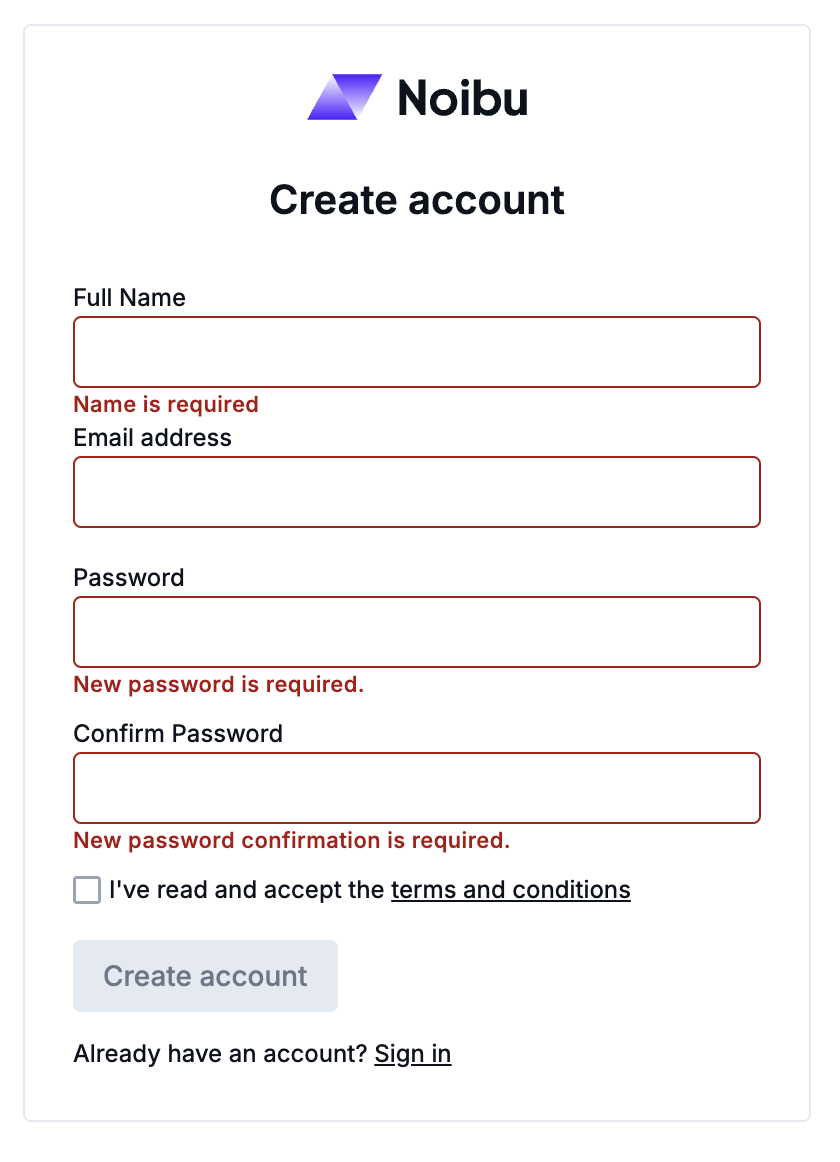
Enter your full name and email address in the fields provided, and create a strong password. You must read and accept the terms and conditions to proceed.
Note: Your password must be at least 12 characters long and include at least one number and one special character.
Click Create Account to submit your signup request. If successful, Noibu will send you another email to verify your email address.
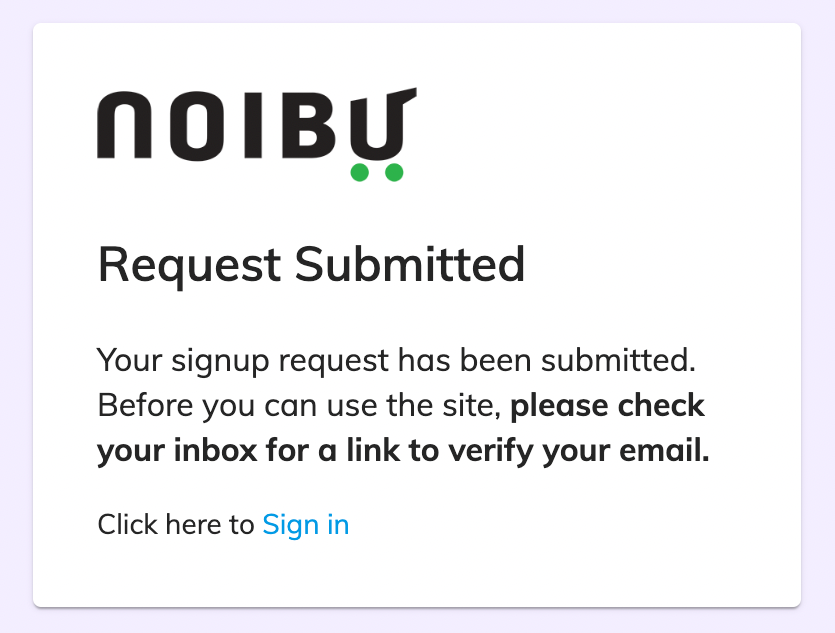
Open the verification email. Once again, be sure to check your Spam and Promotions folders.
Click Verify Email and sign in for the first time.
Check out our Quick Start Guide section to learn your way around Noibu.