Session Symptoms
Last updated: November 16, 2026
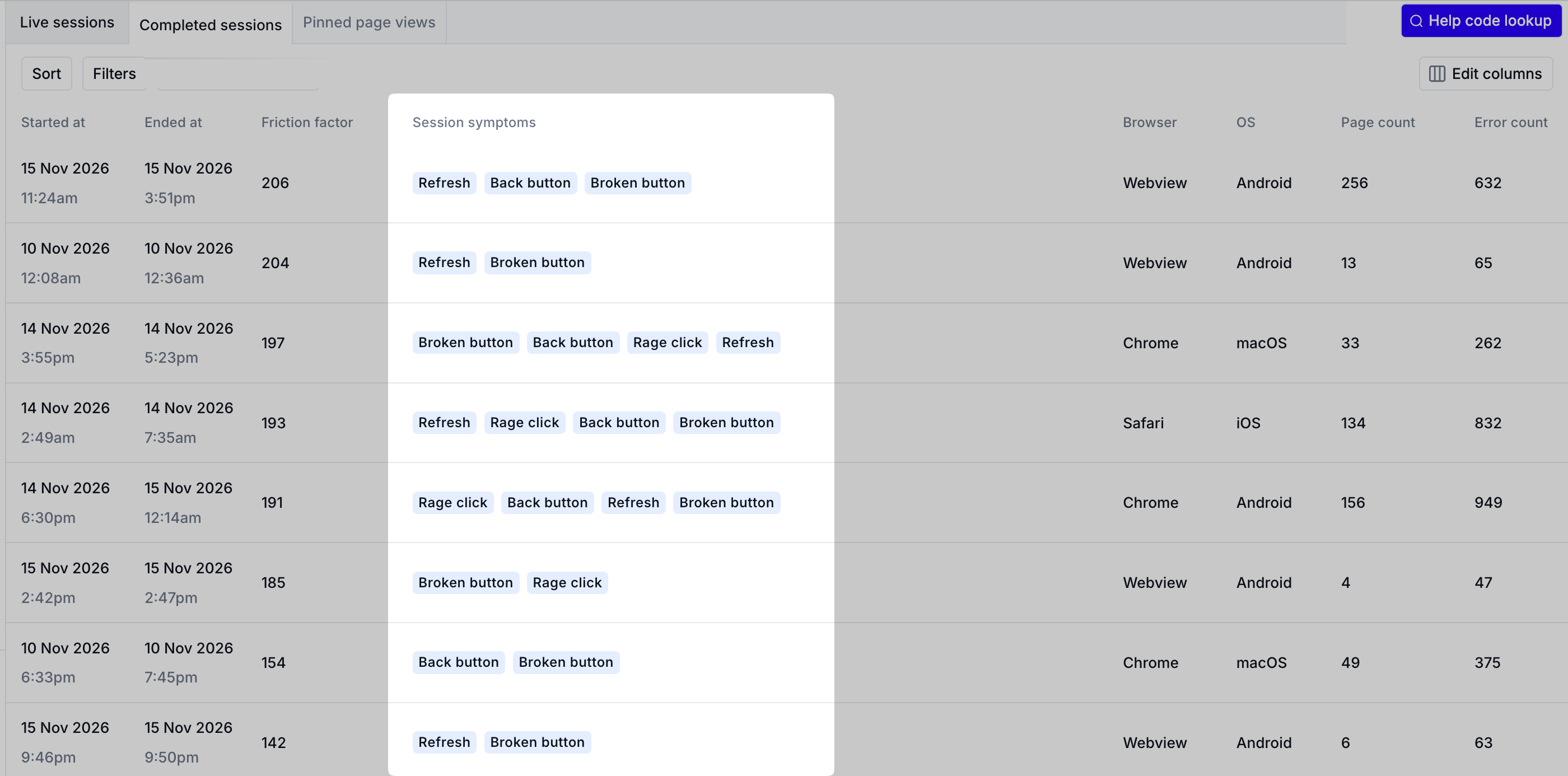
Session symptoms are tags that indicate shopper frustration, such as Rage Clicks, Refreshes, and Form Desertions. A symptom signals that a shopper is having trouble on your ecommerce site, and a session with several symptoms is worth reviewing quickly.
Important: Session symptoms are available only for completed sessions. Noibu calculates them after a session ends and finishes processing.
The Completed Sessions table shows each session’s symptoms in the Session Symptoms column.
Symptoms Noibu tracks
Noibu tracks the following session symptoms:
On-screen Error: The shopper saw on-screen error text, such as “unable to process” or “card declined”.
Back Button: The shopper clicked the back button.
Broken Button: The shopper clicked a button that didn’t work.
Slow Session: First-party requests took 5–12 seconds to complete.
Refresh: The shopper reloaded the page.
Rage Click: The shopper clicked the same button several times in a row.
Form Deserted: The shopper left the session without completing a form.
Multiple Payment Gateway: The shopper tried to pay with more than one payment option, or tried to pay more than once.
Broken Funnel Step: The shopper clicked a broken button that would otherwise have moved them to the next funnel step.
Circular Navigation: The shopper navigated in a circular path instead of making progress.
Declined Card: The shopper’s card was declined.
Contact for Help: The shopper visited the Contact Us page and may have contacted support.
Symptoms also feed each session’s friction factor, which Noibu uses to sort the Completed sessions table by the sessions with the most friction.
Using symptoms to find sessions
Filter completed sessions by symptom to review sessions with a specific sign of shopper frustration. You can also use symptoms as filters on the Issues page to find the errors associated with them.