Slack Integration
Last updated: June 23, 2026
Through an integration with Slack, Noibu can send notifications, such as those configured in the Alerts feature, to a dedicated Slack channel.
Retrieve your Slack WebHook URL
Click on your workspace name in the Slack app, click Administration, and select Configure Apps. This opens a web tab with a list of your installed apps.
Click Custom Integrations.
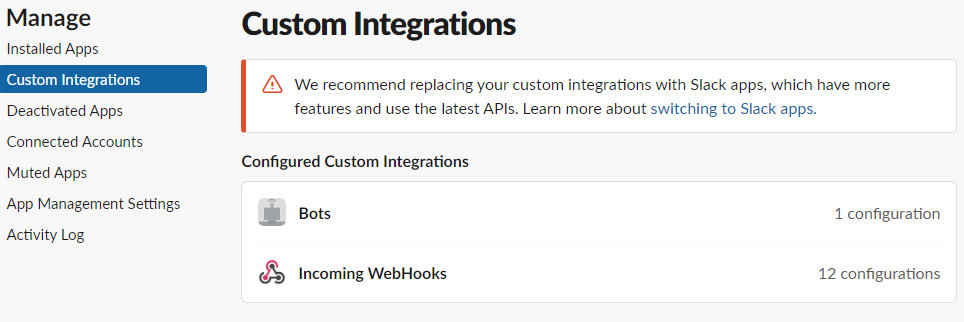
Click Incoming WebHooks.
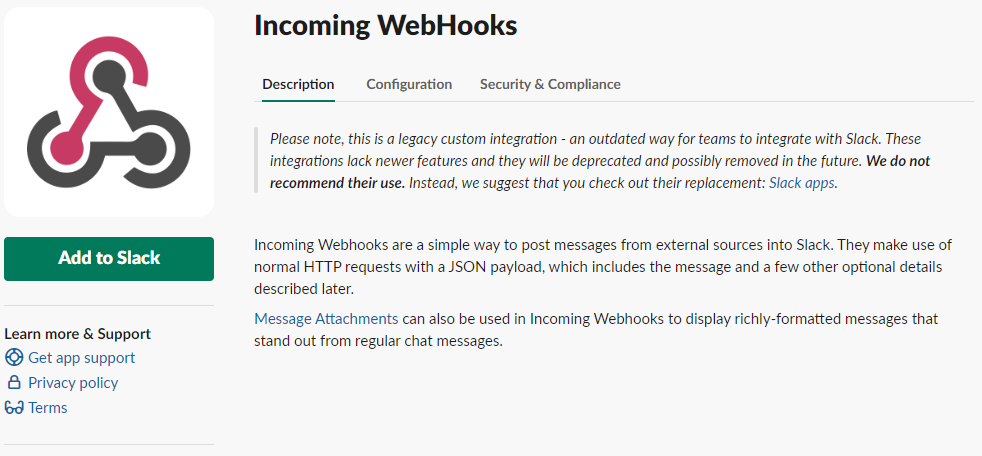
Click Add to Slack. This brings you to a page to generate an incoming webhook.
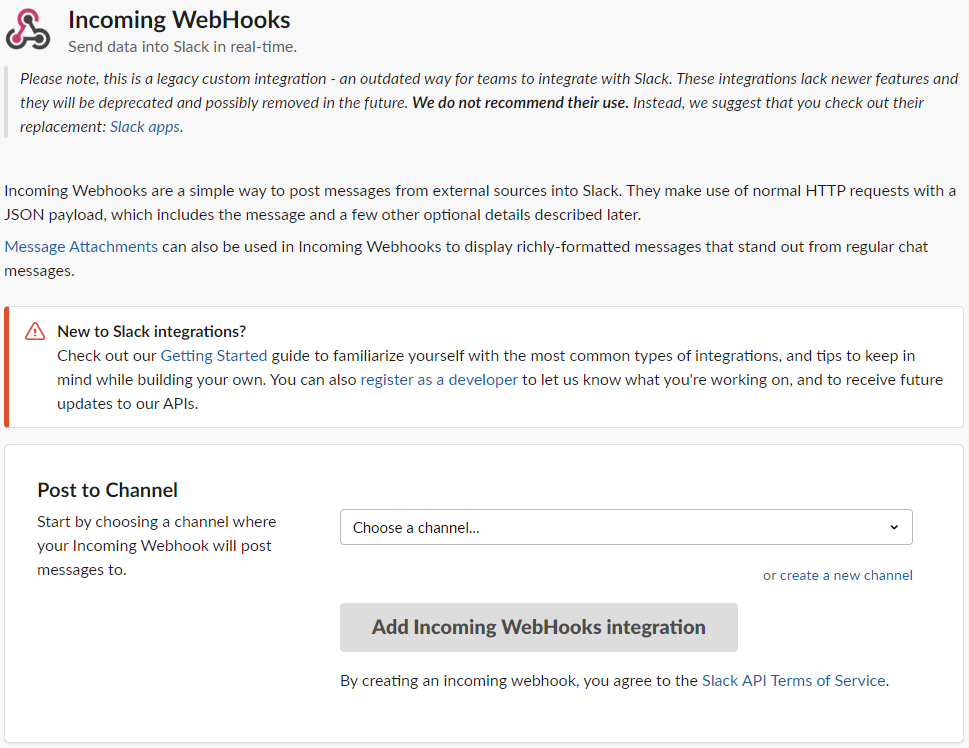
Select a channel for the new webhook to post messages to, or create a new channel.

Click Add Incoming WebHooks Integration. This generates a unique WebHook URL.
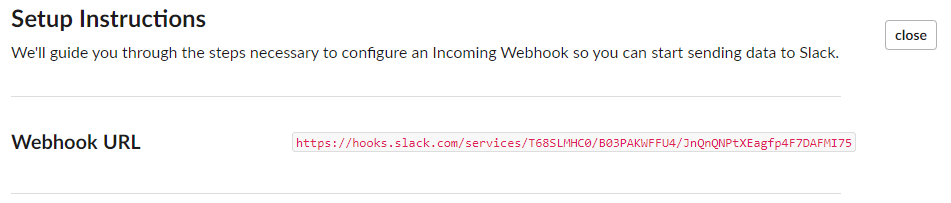
Add the WebHook Configuration to Noibu
Log into Noibu and open the Domains module.
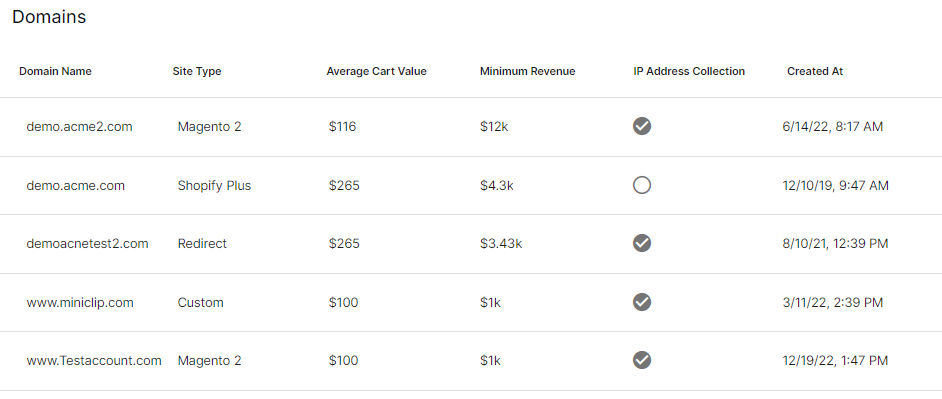
Select a domain.
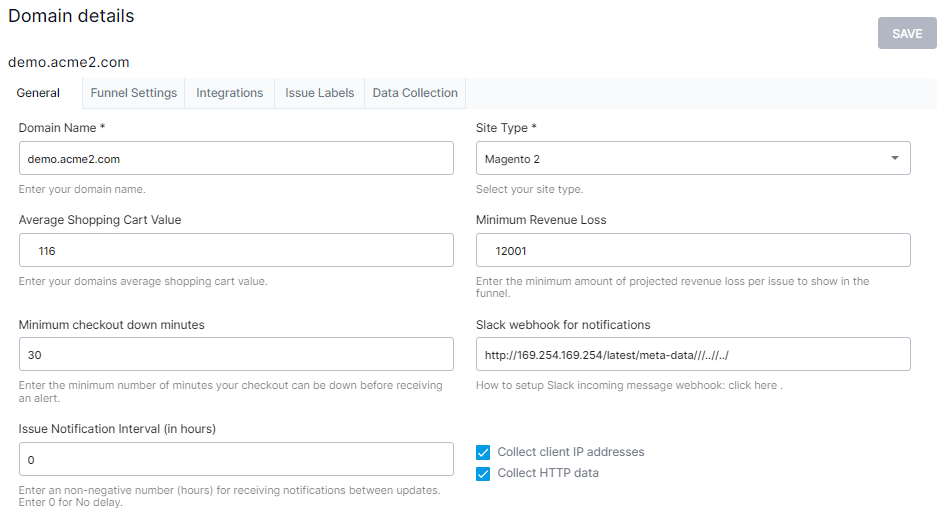
Paste the WebHook URL into the Slack Webhook field.
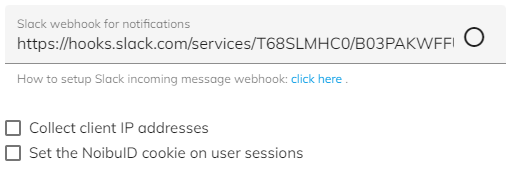
Click Save.

Noibu can also integrate with Jira.