Filtering and Sorting the Sessions Table
Last updated: March 20, 2026
Filtering to find session replays
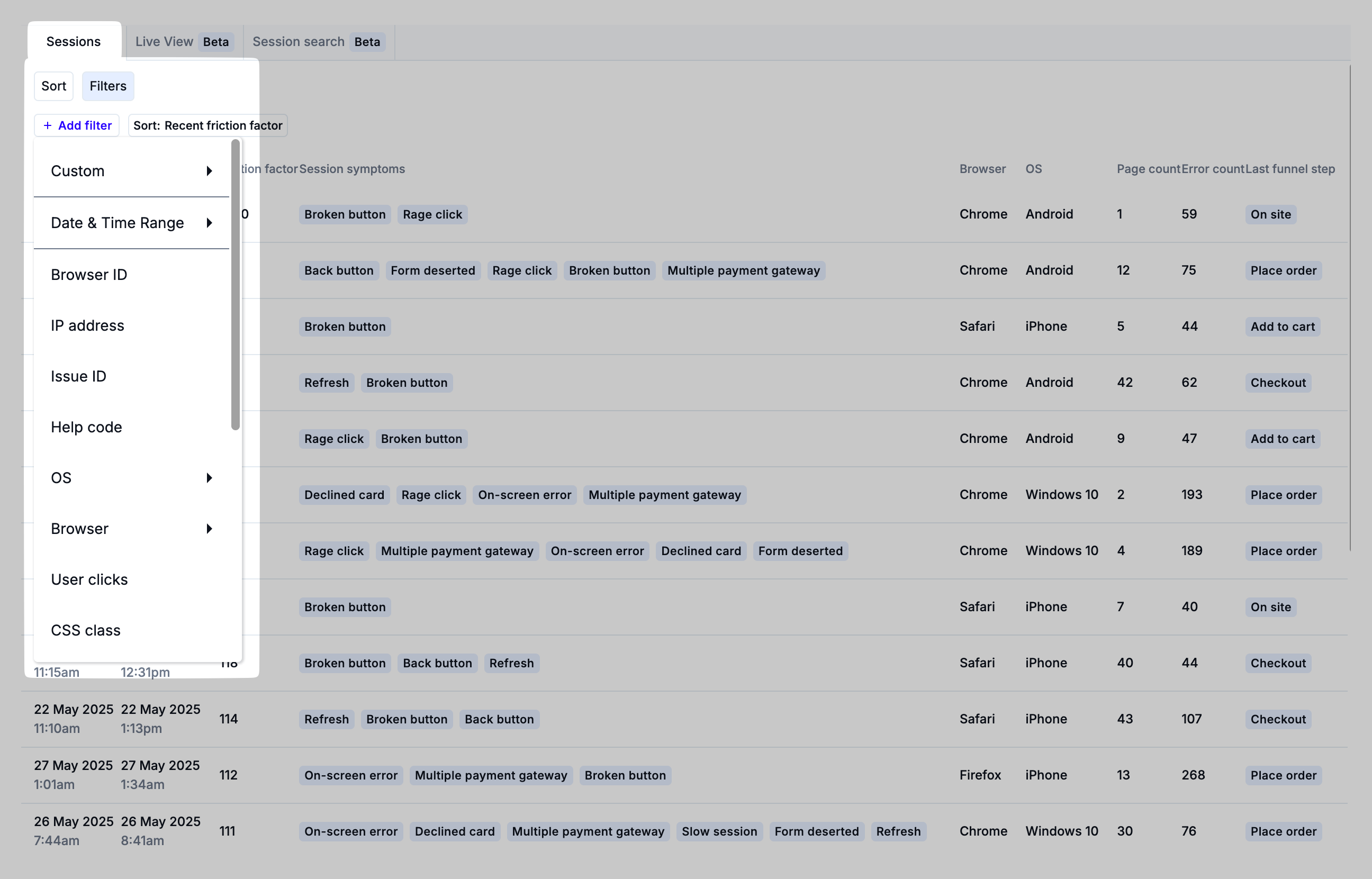
Filtering the list of Sessions can help you find a specific user session or a subset of sessions that demonstrate evidence of friction, frustration, and user-impacting errors. Clicking the Filters toggle will show the Add Filters button.
In addition to the filter menu, Noibu has AI Search capabilities that allow you to use natural language queries to find the type of sessions you're looking for. Learn more about AI Session Search.
For both the "manual" filter approach indicated above and AI session search, Noibu offers several different types of filter criteria. For suggested filters and workflows, be sure to review our key workflows for Session Replay.
Sessions can be filtered on any of the following:
Field | Description |
Custom | Sessions that contain a specified custom attribute. |
Date & Time | The time and date range in which a session occurred |
Browser ID | This is a Noibu-specific feature, and can be useful for tracking multiple sessions by the same user. For example, a user who encountered an error that prevented them from checking out might come back after a few days to try again. |
IP Address | A user's IP address. |
Issue ID | Sessions that include a specific Noibu Issue ID. Visit the Issues page to retrieve an Issue ID. |
Help Code | A six-digit code provided by a shopper to identify their session. Learn more about Help Codes. |
OS | Operating system: Android, iPhone, MacOS/iPad, or Windows. |
Browser | Sessions on a specific browser: Safari, Chrome, Firefox, Internet Explorer, Edge, or Webview. |
Location | Location where the session occurred. |
User Clicks | Sessions where a user clicked on a specific button. For example, Add to Cart. |
CSS Class | Sessions where a user interacted with a specific CSS class. For example: button-checkout, lock-smith, css-pretty. |
Last Repo Step | The last step a user took before an encountering the error. For example, Place Order. |
URL | The URL path where the user encountered the problem. For example, enter "checkout" to pull up sessions that include any URL that includes "checkout." |
Min Page Count | Sessions that include a minimum number of distinct pages visited. Options are 3, 5, and 10. |
Min Error Count | Sessions that include a minimum number of errors. We recommend leaving this at 0; sometimes customers experience issues that don't involve technical errors, like bad UX design. These sessions are still worth viewing to improve the customer experience. |
Session Symptom | Sessions that include a specific session symptom. |
Web Vitals | Web vitals represent elements of the user experience in a session that can be measured, quantified, and rated on a three point scale: Good, Needs Improvement, or Poor. Learn more about Web Vitals. |
Last Funnel Step | Sessions that end after a specific funnel step. These options align with the high-level stages of the purchase journey as outlined in the Funnel Statistics section: On Site, Added to Cart, Checkout Started, Place Order, and Checkout Completed. |
Contains Funnel Step | Sessions that contain a specific funnel step. These options align with the high-level stages of the purchase journey as outlined in the Funnel Statistics section: On Site, Added to Cart, Checkout Started, Place Order, and Checkout Completed. |
Sorting the sessions table
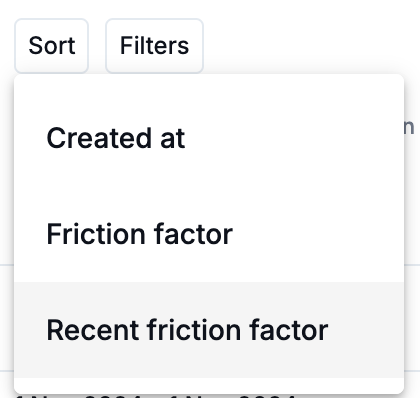
By default, The Sessions table is sorted by Recent Friction Factor. Click the Sort button to change sorting to the session date or overall Friction Factor.