Session Details
Last updated: March 20, 2026
The Session Details page shows you a full playback of a user's session, with additional tabs providing more details and metadata about the session.
Playback tab
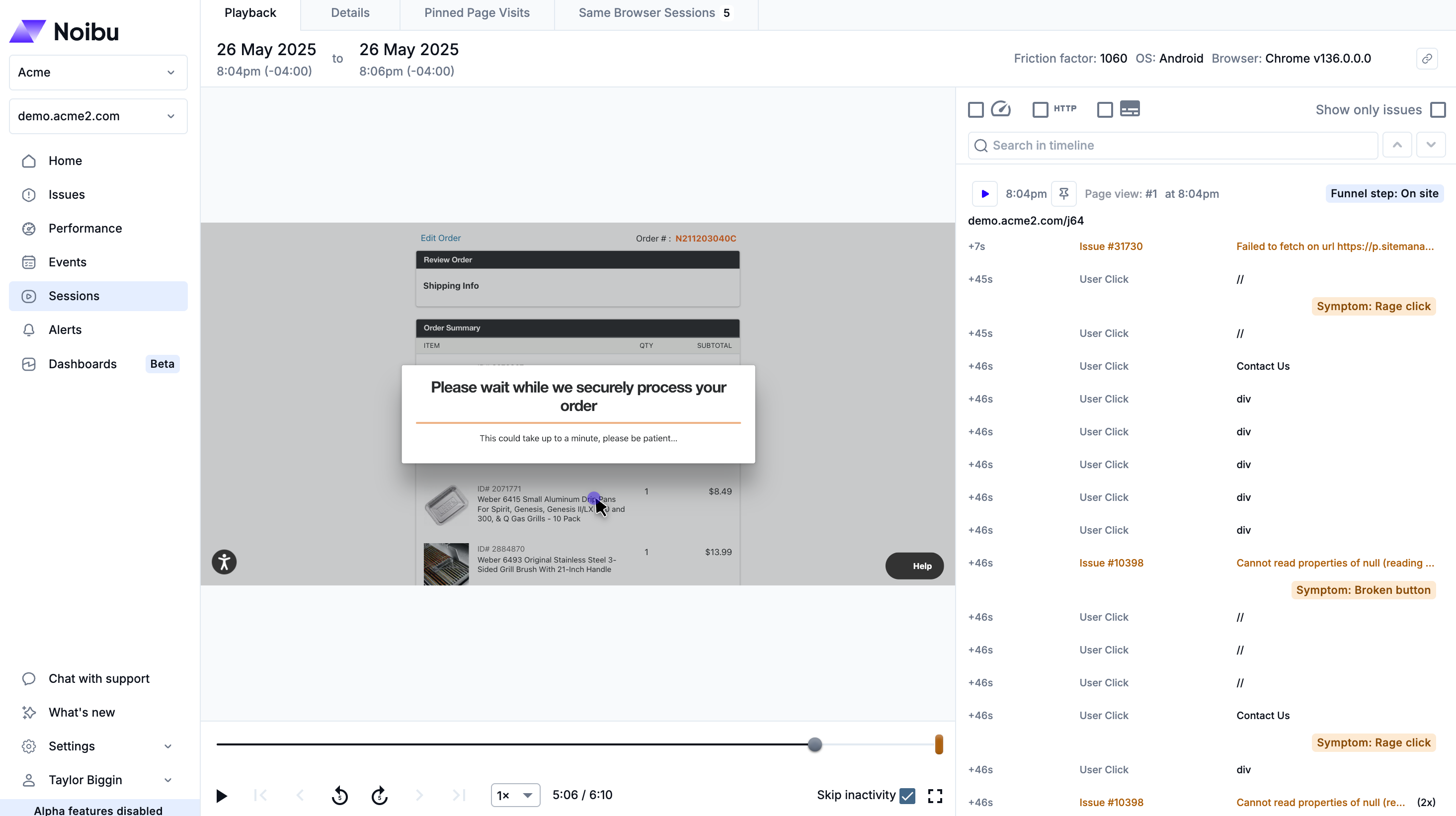
This tab allows you to watch you can watch a customer's session and see where errors impacted their journey
Details tab
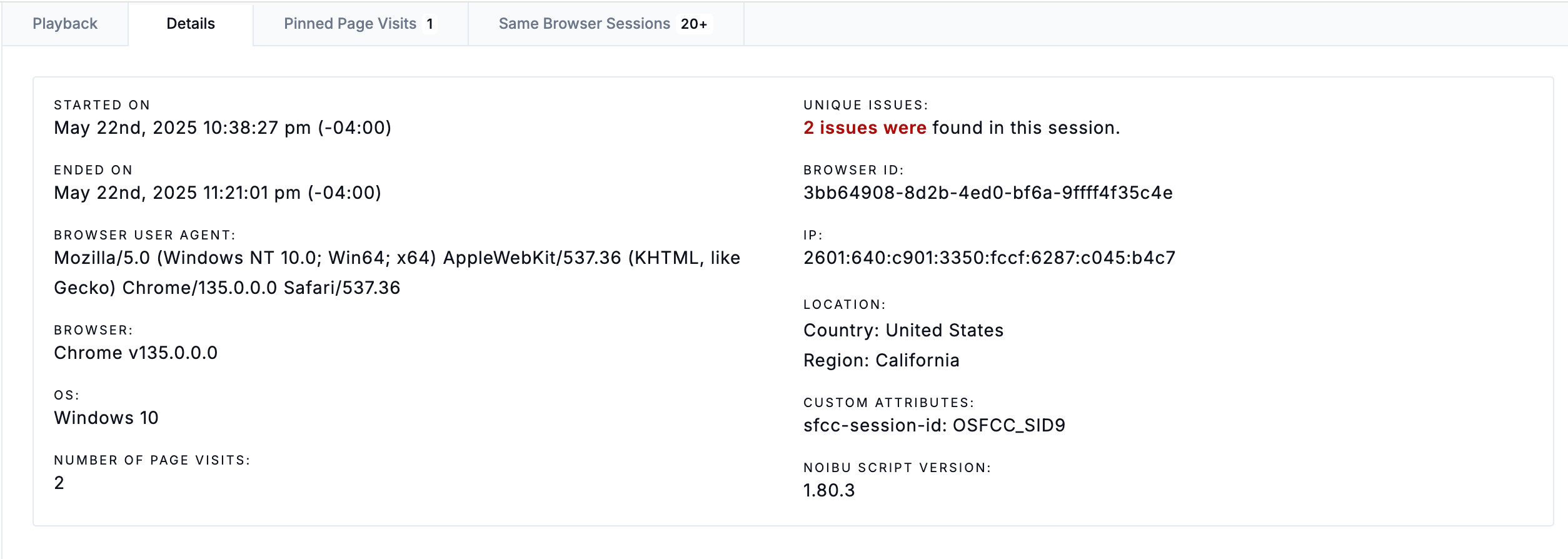
This tab displays essential metadata from a session, including its duration, browser, operating system, and the number of unique issues captured in the playback. The tab also lists any custom ID attributes created via the NoibuJS SDK.
You can filter the Sessions table by any of these data points to retrieve sessions with similar characteristics, which may help diagnose an error.
Pinned Page Visits tab
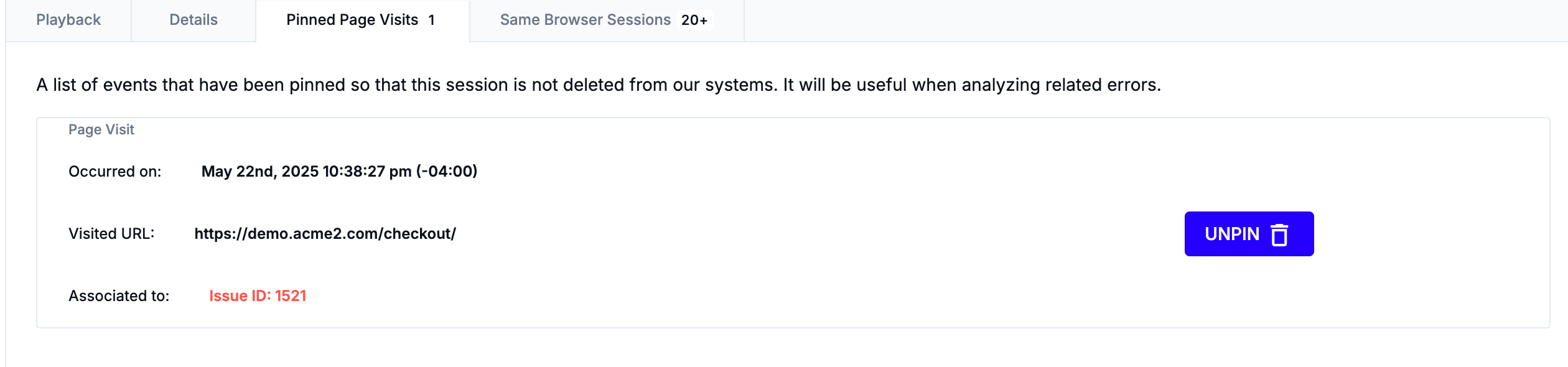
This tab lists details about each pinned page visit and associated issues.
Same Browser Sessions tab
This tab provides links to any other sessions with the same Browser ID as the current session. For example, a user who encountered an error that prevented them from checking out might come back after a few days to try again.